


Introduction
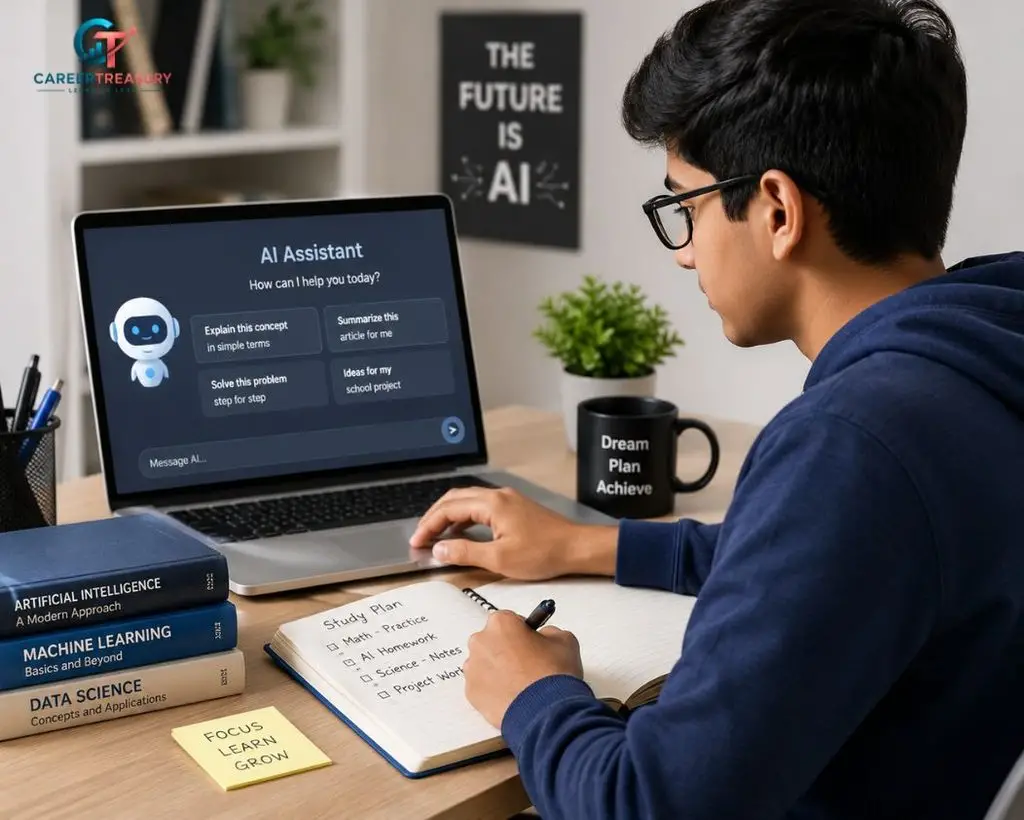
Artificial Intelligence (AI) is transforming education by helping students learn faster, stay organized, and improve productivity. From writing assistance and research support to note-taking and language learning, AI-powered tools are becoming valuable companions for students worldwide.
The best part is that many high-quality AI tools offer free plans that provide significant value without requiring a paid subscription. Whether you are a school student, college learner, competitive exam aspirant, or lifelong learner, these tools can help improve efficiency and learning outcomes.
In this guide, we explore the top free AI tools for students in 2026, their features, benefits, and practical use cases.
Why Students Are Using AI Tools
AI tools help students:
- Save time on repetitive tasks
- Improve writing quality
- Summarize complex topics
- Organize notes and study materials
- Generate ideas for projects
- Learn new concepts quickly
- Improve productivity and time management
When used responsibly, AI can support learning rather than replace critical thinking.
1. ChatGPT
Best For
- Homework assistance
- Concept explanations
- Writing support
- Brainstorming ideas
ChatGPT is one of the most popular AI learning assistants available today. Students can use it to understand difficult concepts, generate study plans, practice interview questions, and improve writing skills.
Key Features
- Instant explanations
- Writing assistance
- Study planning
- Coding help
- Research guidance
Free Plan
A free version is available for general educational use.
Student Tip
Use ChatGPT to understand concepts, but always verify facts from textbooks and official sources.
2. Google Gemini
Best For
- Research assistance
- Information gathering
- Academic support
Google Gemini integrates with Google’s ecosystem and helps students explore topics, generate summaries, and improve productivity.
Key Features
- AI-powered research support
- Content generation
- Study assistance
- Productivity features
Free Plan
Available with a free tier for students and general users.
3. Grammarly
Best For
- Grammar correction
- Essay writing
- Academic assignments
Grammarly helps students improve grammar, punctuation, clarity, and readability.
Key Features
- Grammar checking
- Spelling correction
- Writing suggestions
- Tone improvement
Benefits
Students can submit more polished assignments and improve communication skills.
4. Notion AI
Best For
- Note organization
- Study planning
- Project management
Notion AI helps students organize notes, create study schedules, and manage academic projects.
Key Features
- Smart note-taking
- Task management
- Study planning
- Content summarization
Why Students Like It
Everything can be managed in one workspace.
5. Perplexity AI
Best For
- Research
- Fact finding
- Quick answers
Perplexity AI provides AI-generated answers along with source references.
Key Features
- Research support
- Source-backed responses
- Quick summaries
- Learning assistance
Student Advantage
Useful for starting research and exploring topics.
6. Canva AI
Best For
- Presentations
- Posters
- Visual projects
Students often need presentations and creative assignments. Canva AI simplifies design creation.
Key Features
- Presentation templates
- AI image generation
- Graphic design tools
- Social media designs
Benefits
No advanced design skills required.
7. QuillBot
Best For
- Paraphrasing
- Rewriting content
- Improving writing
QuillBot helps students rewrite sentences while maintaining meaning.
Key Features
- Paraphrasing tool
- Grammar checker
- Summarizer
- Citation support
Use Responsibly
Students should use it to improve understanding rather than bypass academic integrity policies.
8. Otter AI
Best For
- Lecture notes
- Meeting transcription
Otter AI automatically converts spoken lectures into text.
Key Features
- Voice transcription
- Meeting summaries
- Note generation
- Real-time recording
Benefits
Helpful for capturing important lecture information.
9. Khanmigo
Best For
- Personalized learning
- School education support
Khanmigo is an AI-powered learning assistant developed by Khan Academy.
Features
- Guided learning
- Educational explanations
- Practice assistance
- Personalized tutoring
Student Benefit
Supports understanding rather than simply giving answers.
10. Microsoft Copilot
Best For
- Productivity
- Research
- Writing assistance
Microsoft Copilot integrates with Microsoft’s ecosystem and assists students with various academic tasks.
Features
- AI-powered assistance
- Research help
- Content creation
- Productivity support
Why It Matters
Many educational institutions already use Microsoft tools.
How Students Can Use AI Responsibly
AI tools should enhance learning, not replace it.
Best Practices
- Verify information from trusted sources.
- Use AI for understanding concepts.
- Avoid plagiarism.
- Follow school and university guidelines.
- Use AI-generated content as a starting point.
Responsible use helps students develop critical thinking skills.
Advantages of AI Tools for Students
Improved Productivity
Students can complete tasks more efficiently.
Better Learning Experience
Complex concepts become easier to understand.
Enhanced Writing Skills
Writing assistants improve grammar and clarity.
Faster Research
AI helps organize information quickly.
Time Management
Study schedules and task planning become easier.
Limitations of AI Tools
While AI offers many benefits, students should understand its limitations.
Potential Challenges
- Incorrect information
- Outdated responses
- Overreliance on AI
- Academic integrity concerns
Students should always cross-check important information.
Future of AI in Education
AI is expected to play an even larger role in education over the coming years.
Future developments may include:
- Personalized tutoring
- Adaptive learning systems
- Real-time feedback
- Intelligent study assistants
- AI-powered career guidance
Educational technology continues to evolve rapidly.
Frequently Asked Questions (FAQs)
Which is the best free AI tool for students?
ChatGPT, Google Gemini, Grammarly, and Notion AI are among the most popular free AI tools for students.
Can AI help students study?
Yes. AI can assist with research, note-taking, writing, organization, and understanding complex topics.
Are AI tools free?
Many AI tools offer free plans with useful features for students.
Can students use AI for assignments?
Students can use AI for research and learning support, but they should follow academic integrity guidelines and avoid plagiarism.
Is AI replacing traditional learning?
No. AI is a learning aid that supports education but does not replace teachers, textbooks, or critical thinking.
Conclusion
The rise of AI in education has created exciting opportunities for students to learn smarter and work more efficiently. The top free AI tools for students discussed in this article can help with research, writing, note-taking, productivity, and creativity.
When used responsibly, these tools can improve learning outcomes, save time, and help students develop valuable digital skills for the future. As AI technology continues to advance, students who learn to use these tools effectively will be better prepared for academic and professional success.








Leave a Reply